Read About Yourself
Sometimes people search their own phone number, username, profile link, or license plate to see what shows up online. PublicWall gives you a simple way to check whether anyone has left a short public note connected to an identifier linked to you.
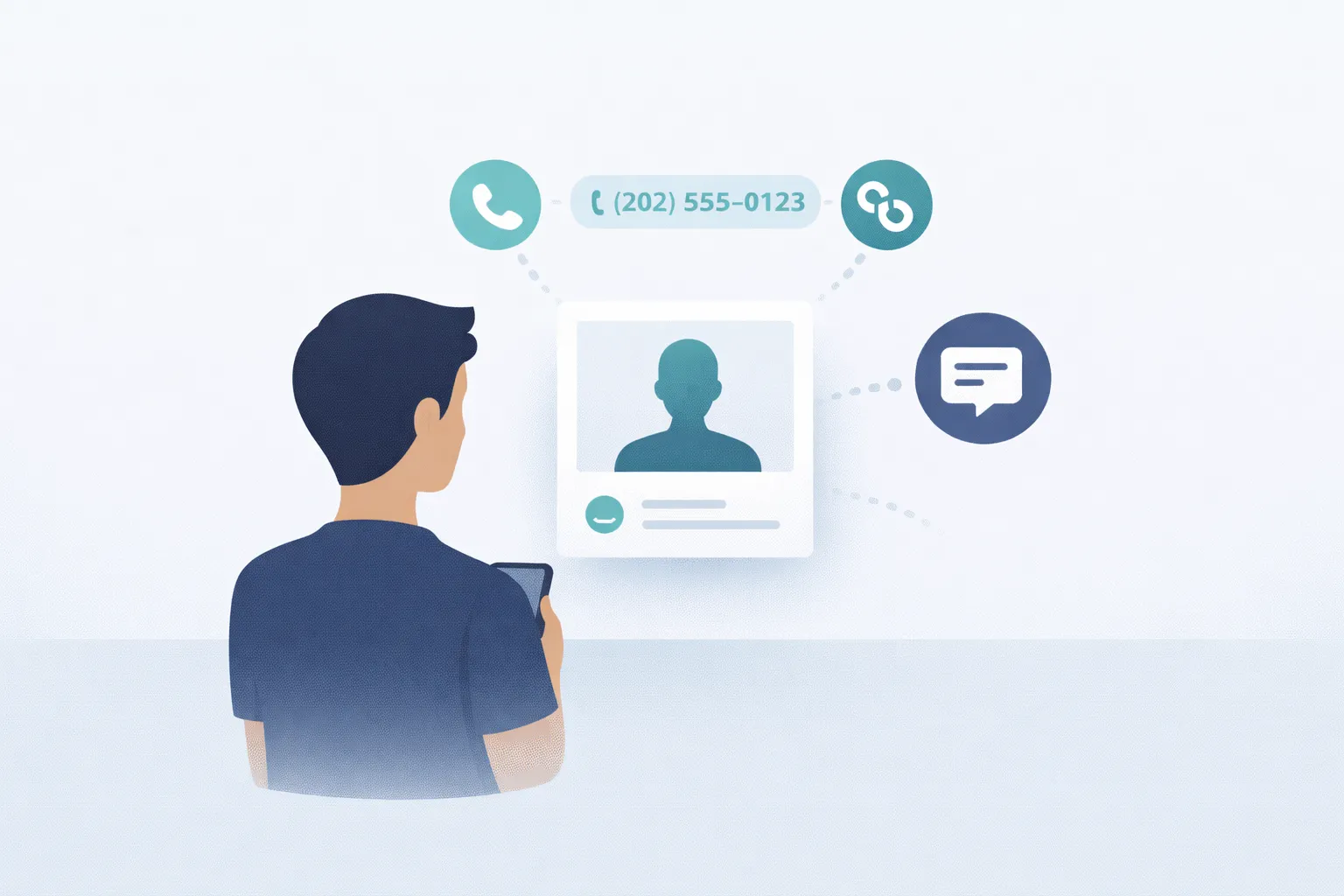
A lot of people search their own identifiers from time to time. Maybe you want to see whether anyone left a message tied to an old number, a past username, a profile link, or even a plate number connected to you.
PublicWall makes that kind of self-search simple. If a public note has been attached to one of your identifiers, you may be able to find it by searching the same number, username, link, or plate.
In many cases, the note is there because someone tried to reach you and could not get through directly. They may have had an old phone number, an outdated profile, or some other identifier they still associated with you.
Sometimes the message is very straightforward. It may explain who was trying to reach you, why they were looking for you, or where they hoped you would see the note. Even a short message can be useful if it answers a question you did not know was out there.
This page is about checking what may already be connected to you. It is not mainly about posting a note for someone else. If you are trying to leave a message for another person, the page on contact someone is the better fit.
Searching your own identifiers can also help you spot outdated or unexpected public information. Some people check old numbers or old profile links just to see whether anything is still circulating around them online.
The best way to use PublicWall for this is simple: search first, then read what is already there. If a note appears, you can decide what it means to you and whether you want to follow up somewhere else.
PublicWall is not a chat system and it does not function like a private inbox. The notes are public, short, and usually tied to a single identifier. The point is to make information discoverable when direct communication did not happen or no longer works.
If you want to look up information connected to another person rather than yourself, see information about a person.
If the identifier you want to check is a license plate and the situation is specifically about a vehicle or driver, the page on contact the driver covers that use case more directly.
And if your situation is really about reconnecting after losing contact, the guide on find each other explains how people use searchable identifiers to reconnect later.
In simple terms, PublicWall lets you read about yourself by checking whether anyone has attached a short public note to an identifier that you recognize as your own.
FAQ
Can I search my own phone number on PublicWall?
Yes. You can search your own phone number, username, profile link, or license plate to see whether any public notes are attached to it.
Why would someone leave a note connected to my identifier?
Usually because they wanted to reach you or leave useful information, but did not have a direct way to contact you. A public note gives them one more chance to be found later.
What should I do if I find a note about myself?
That depends on the note. Some people use it simply as context, while others decide to follow up through another contact method mentioned in the message.
What identifiers can I search?
Common examples include phone numbers, usernames, profile links, and vehicle license plates. PublicWall is built around identifiers that people are likely to search later.
Quick next step
Use the search box in the header and jump straight to the relevant result page.